
Different error messages can appear when you try to log in using your public library card. Below are some explanations of error messages you might encounter.
"The barcode that you have provided doesn't seem to be correct..."
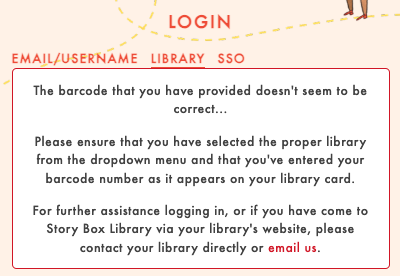 Make sure you haven't accidentally included any typos in your library card number. If you've double checked that there are no typos, it's possible we need to update some information in your public library's account. If you see this error message, contact us with the following information so we can assist:
- The name of your public library or Local Government Area (LGA)
- Your barcode number
- The error message you received
"Sorry, your password appears wrong"
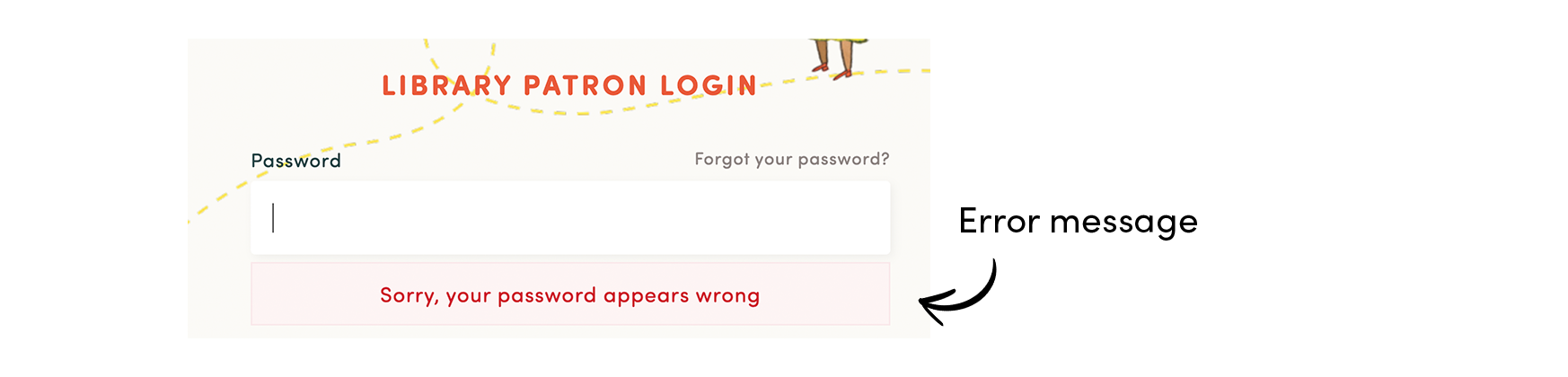 This means there is a mistake or typo in the password that you've entered. You would have chosen a password the first time you logged in to StoryBox Hub with your library card. If you can't remember this password, you can reset it here.
If you can't remember which email address you used when you registered, or you're still experiencing issues after resetting your password, please contact us with the following information so we can assist
- Your name
- The name of your public library or Local Government Area (LGA)
- Your barcode number
- The error message you received
"It looks like your details aren't correct."
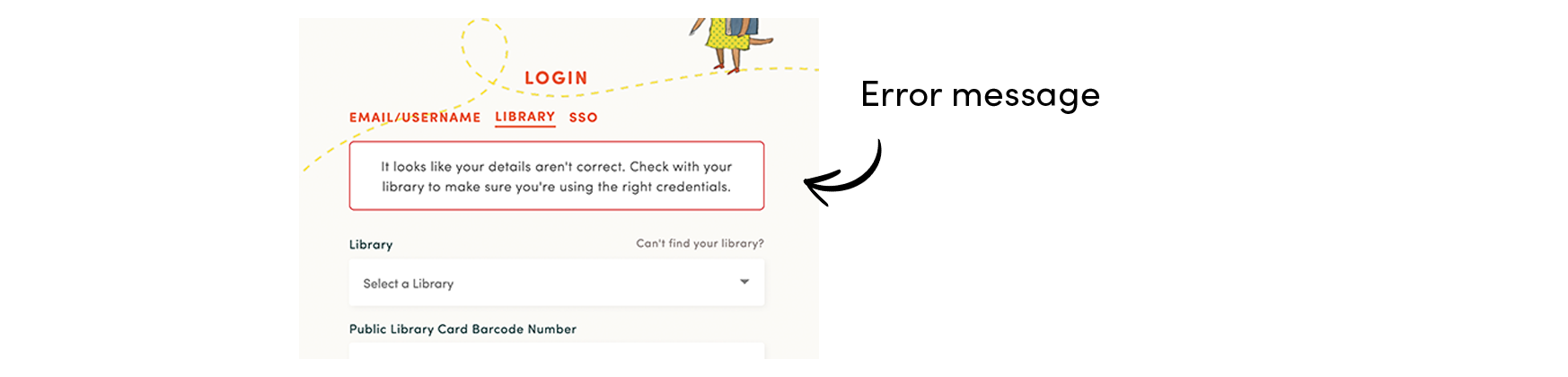 This means that when you log into StoryBox Hub you should use the same card number and PIN/password that you use when you're accessing your library catalogue, however one of the following scenarios has happened:
- The details you have entered do not match your library's records (either your barcode or PIN/password are incorrect).
- Your library card has been reported as lost, or you may have been issued a new library card number and you were using the old one.
- Your library account has expired.
Please contact your library for assistance.
"An error occurred on trying to login. Your library may have configured their details incorrectly."
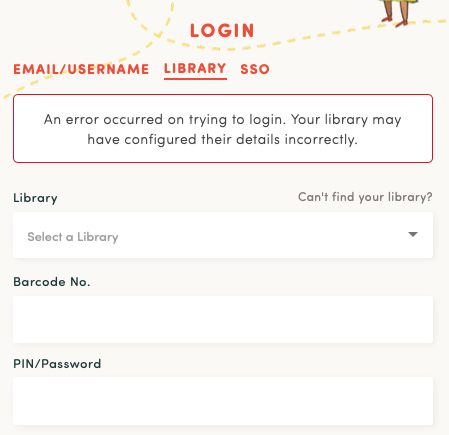 This error can mean that there is a problem with some of the settings in your library's StoryBox Hub account. Please contact our support team with the following information for assistance:
- The name of your public library or Local Government Area (LGA)
- Your barcode number
- The error message you received
"Your library card isn't registered with this library service. Please select your home library before signing in."
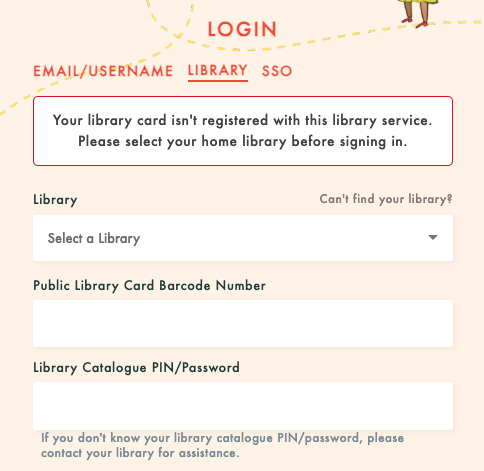 This means you're trying to log into a library service with a library card registered with a different library service. For example, your library card may be part of a group or consortium that allows borrowing from any service within that group, however not every library service within that group provides StoryBox Hub access to their patrons.
Please choose the public library or Local Government Area (LGA) where you received your library card from the dropdown box (return to our library login page first if necessary). If you cannot find your home library in the list, please let us know.